Will the transparent background of my PNG stay transparent?
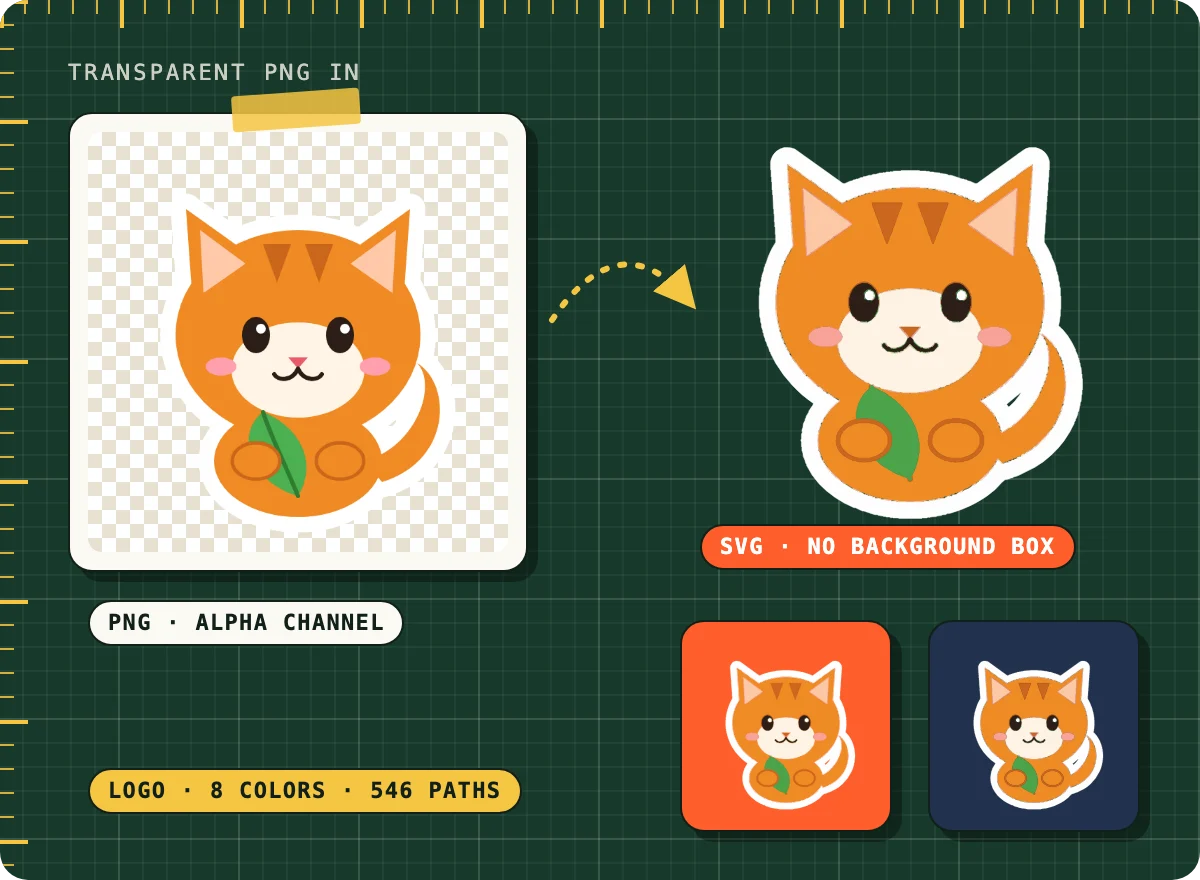
Yes. Pixels that are mostly transparent are left out of the SVG entirely, so there is no white rectangle behind your shapes. Half-transparent pixels, such as a soft glow or drop shadow, are snapped to either fully visible or fully gone, because every SVG path here is one solid color.
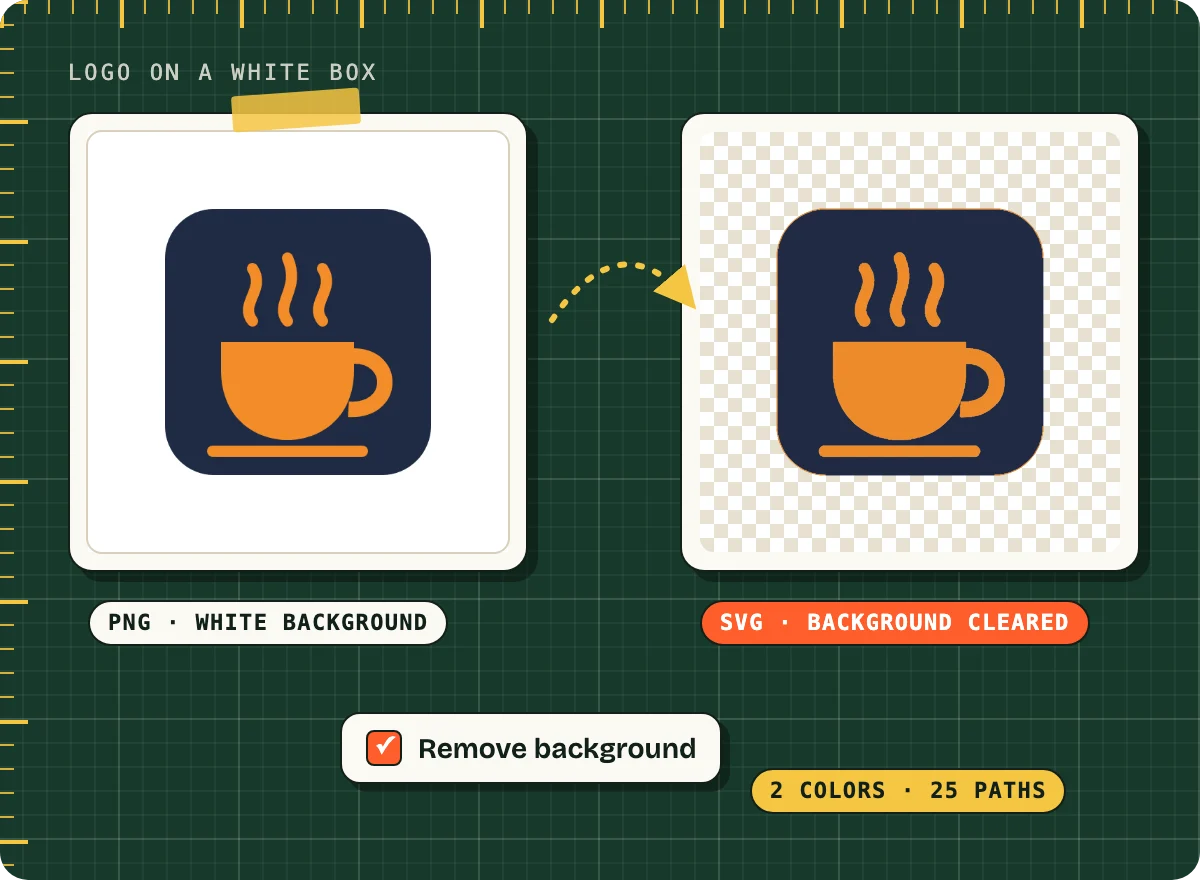
How do I turn a PNG with a white background into a transparent SVG?
Tick Remove background. It clears the color that touches the edges of the picture and everything connected to it, so white shapes inside the logo, such as a white letter or highlight, are kept.
What size PNG works best?
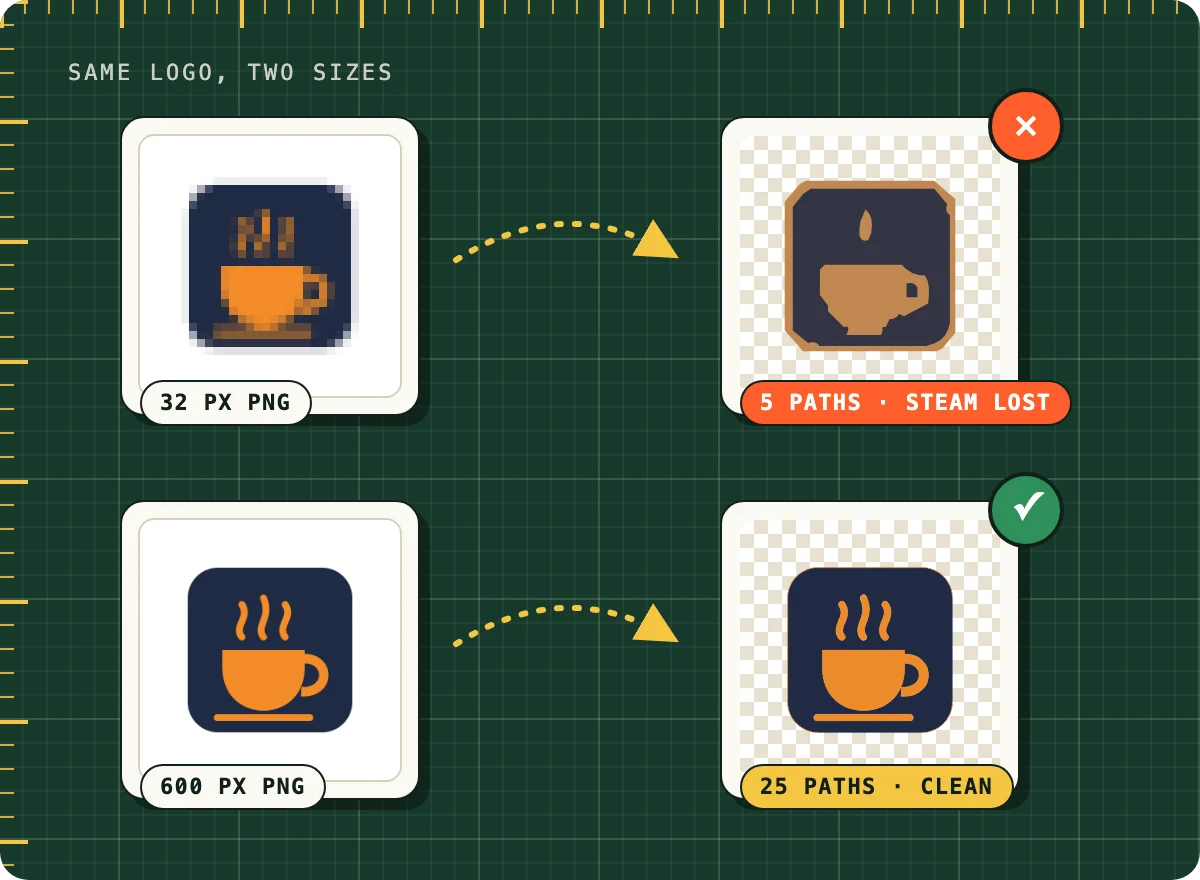
Somewhere between 500 and 2000 pixels on the long side. The converter traces at a working size between 600 and 1600 pixels depending on Detail: larger files are scaled down first, and small ones are enlarged up to 3× before tracing, which helps but cannot add detail that was never in the file.
Why did small details disappear from my SVG?
Shapes smaller than a minimum size are skipped so that noise does not turn into hundreds of specks. Raise Detail to keep smaller shapes, add a color or two, or start from a larger PNG. Tiny text in a small PNG is usually better retyped with a real font afterwards.
Is my PNG uploaded to a server?
No. The PNG is decoded and traced by JavaScript in your browser tab, and the SVG is created there too. Nothing is sent to Tosvg AI, so the converter is free to use as often as you like.